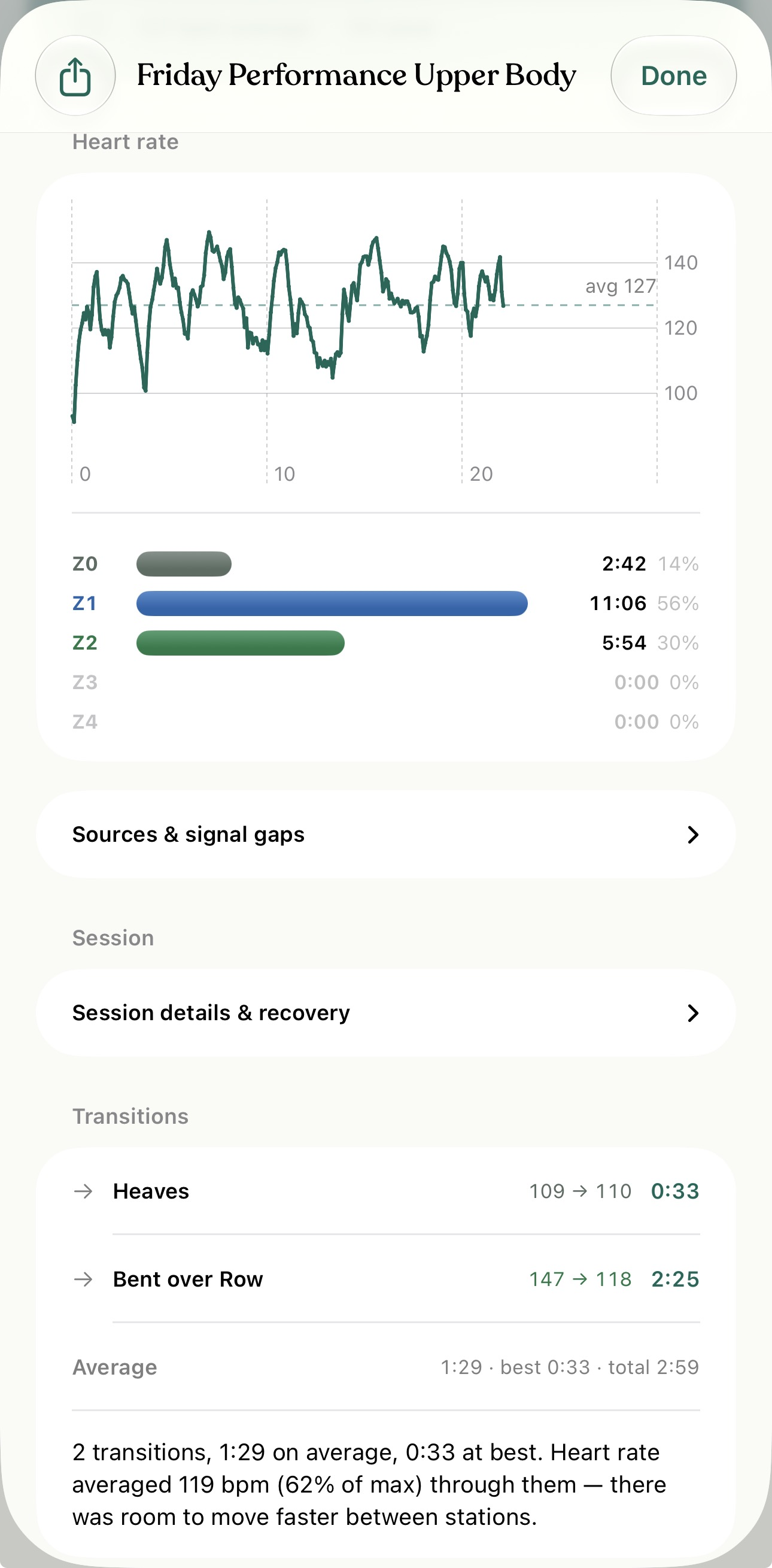
See what happens between the work.
Track transition times and heart-rate changes between blocks, then review where your session time went.
 Tap to enlarge
 Mode · Heart-rate training
Build your session, follow your heart rate and keep a useful record of every workout. Mode brings timers, training zones, strength work and recovery context together on iPhone and Apple Watch.
A clear workout comes first. Planning, progress and recovery context help you decide what to do next.
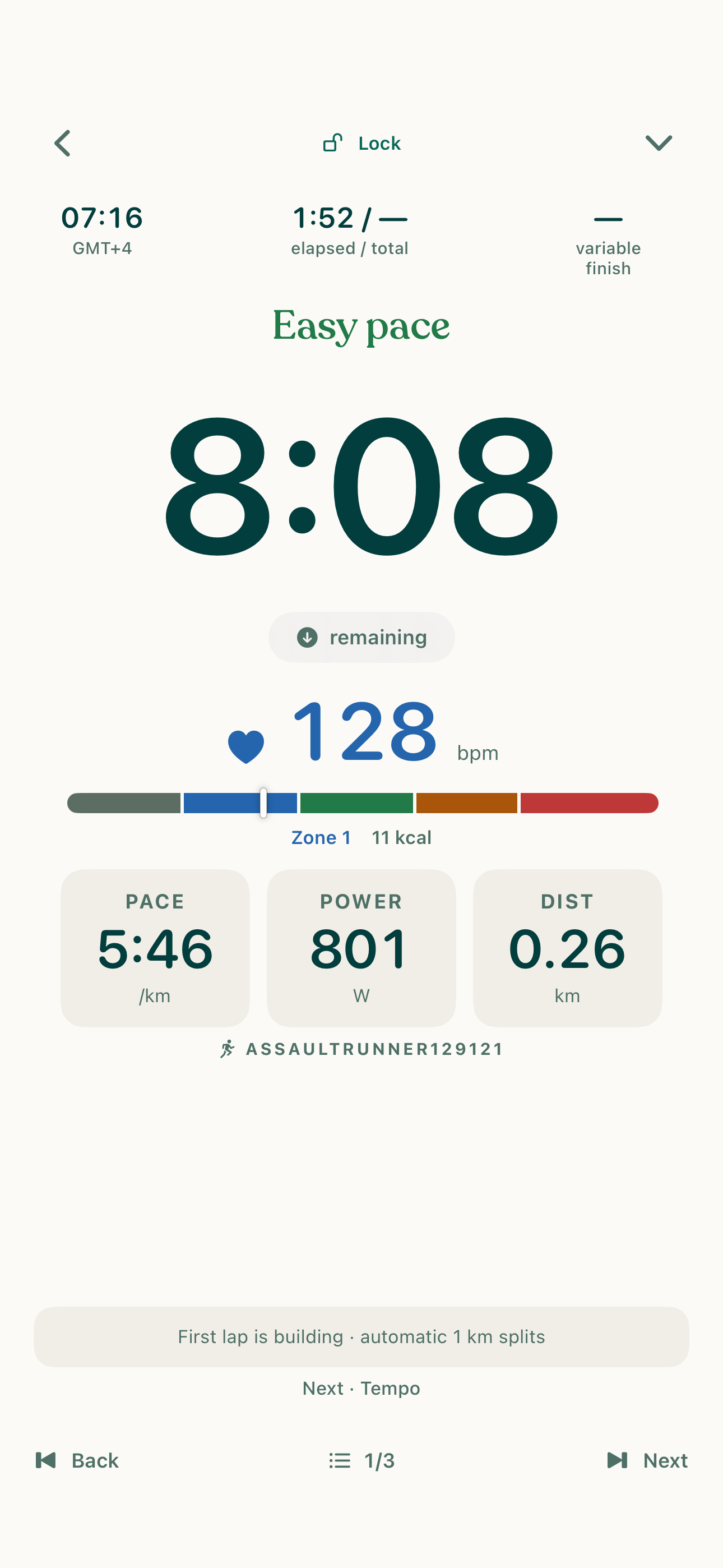
Put the timer, live heart rate, zones and next step where you can see them. Use compatible Bluetooth sensors or Apple Watch, with zone alerts and workout cues.
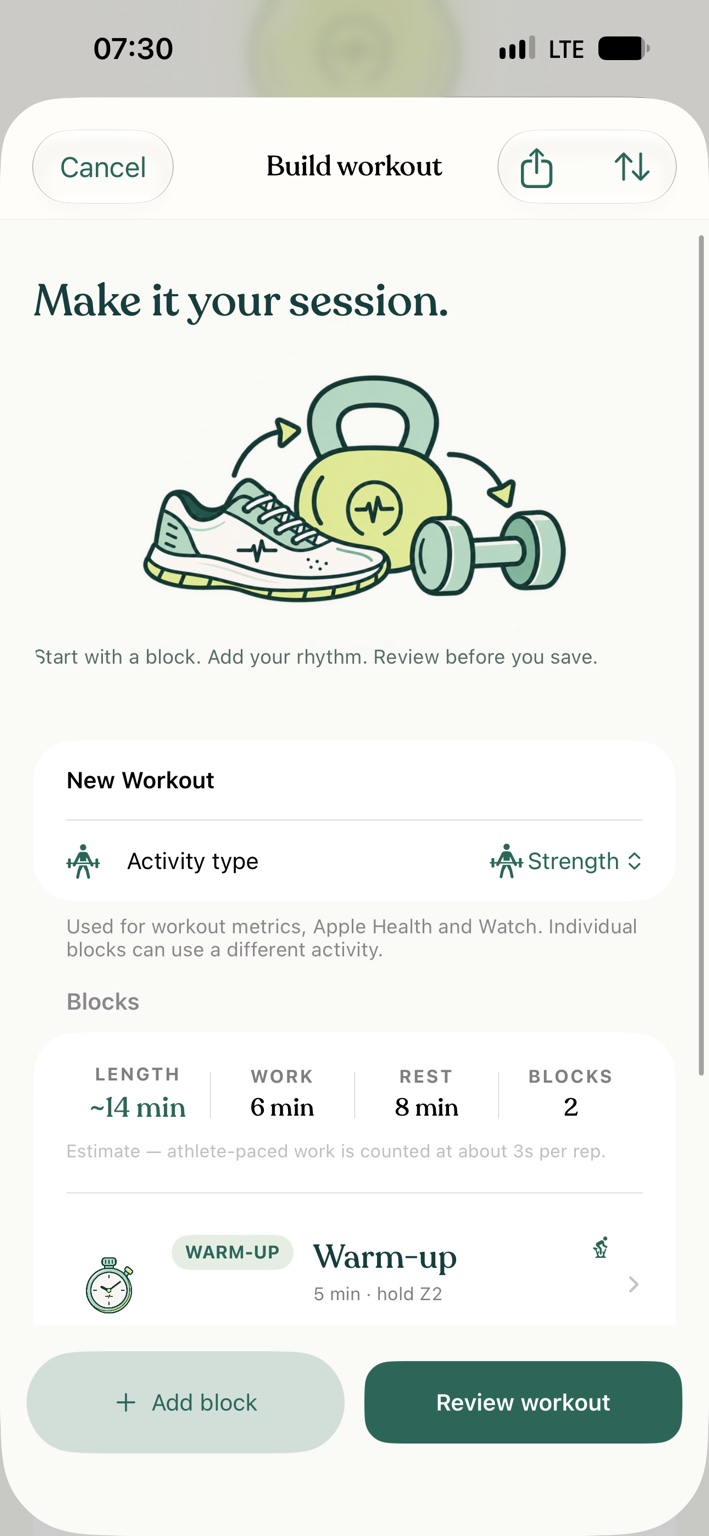
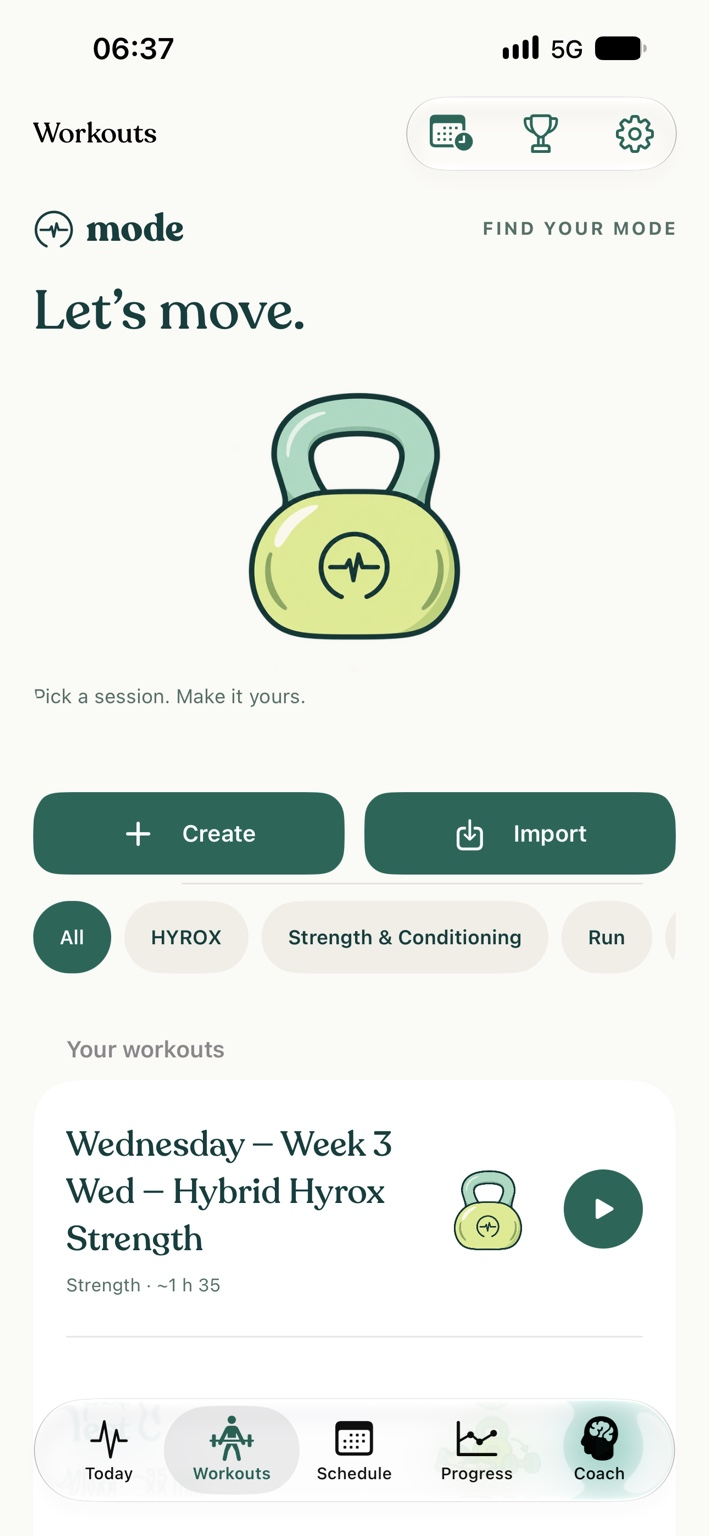
Create warm-ups, intervals, strength sets, circuits, EMOMs, AMRAPs, Tabata sessions and cool-downs. Use time, distance and supported rest rules to structure the work.
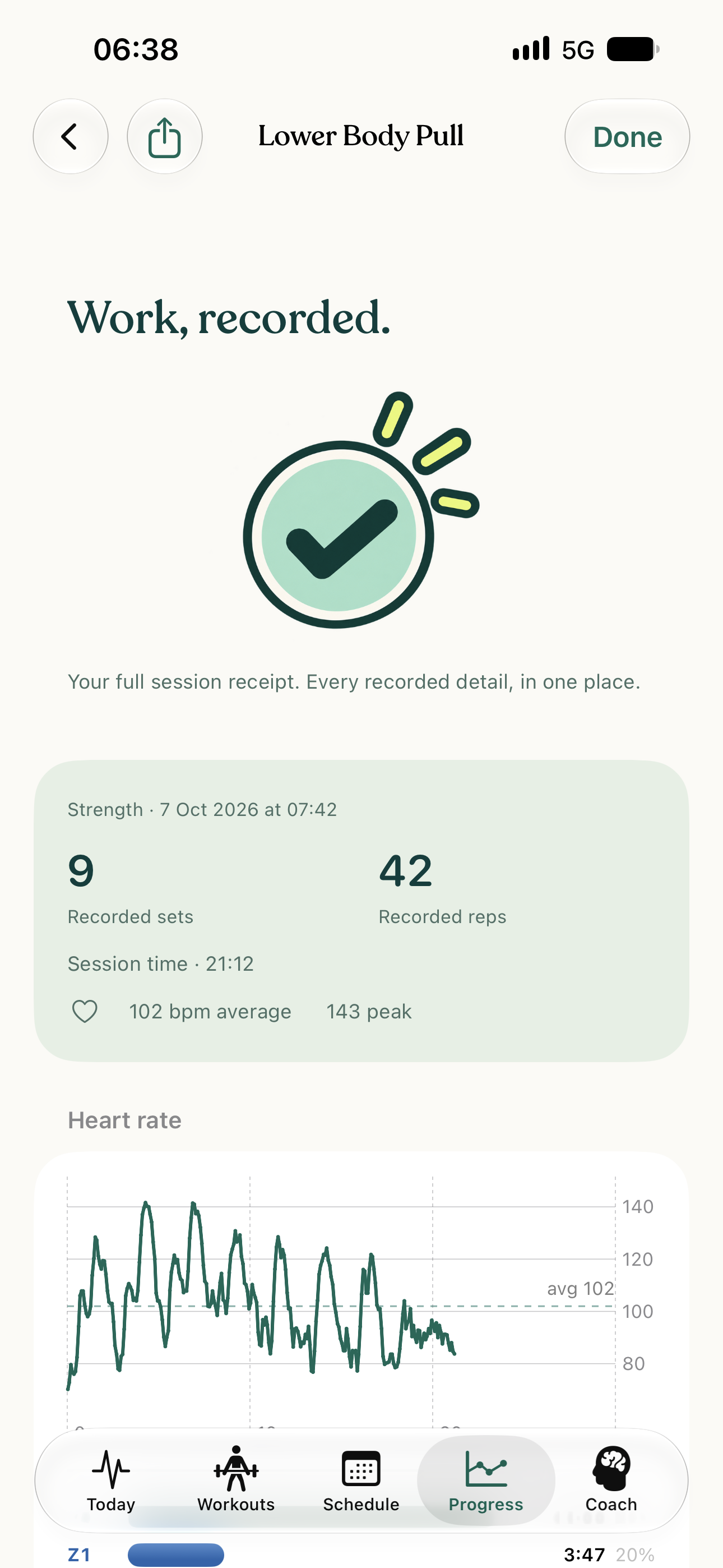
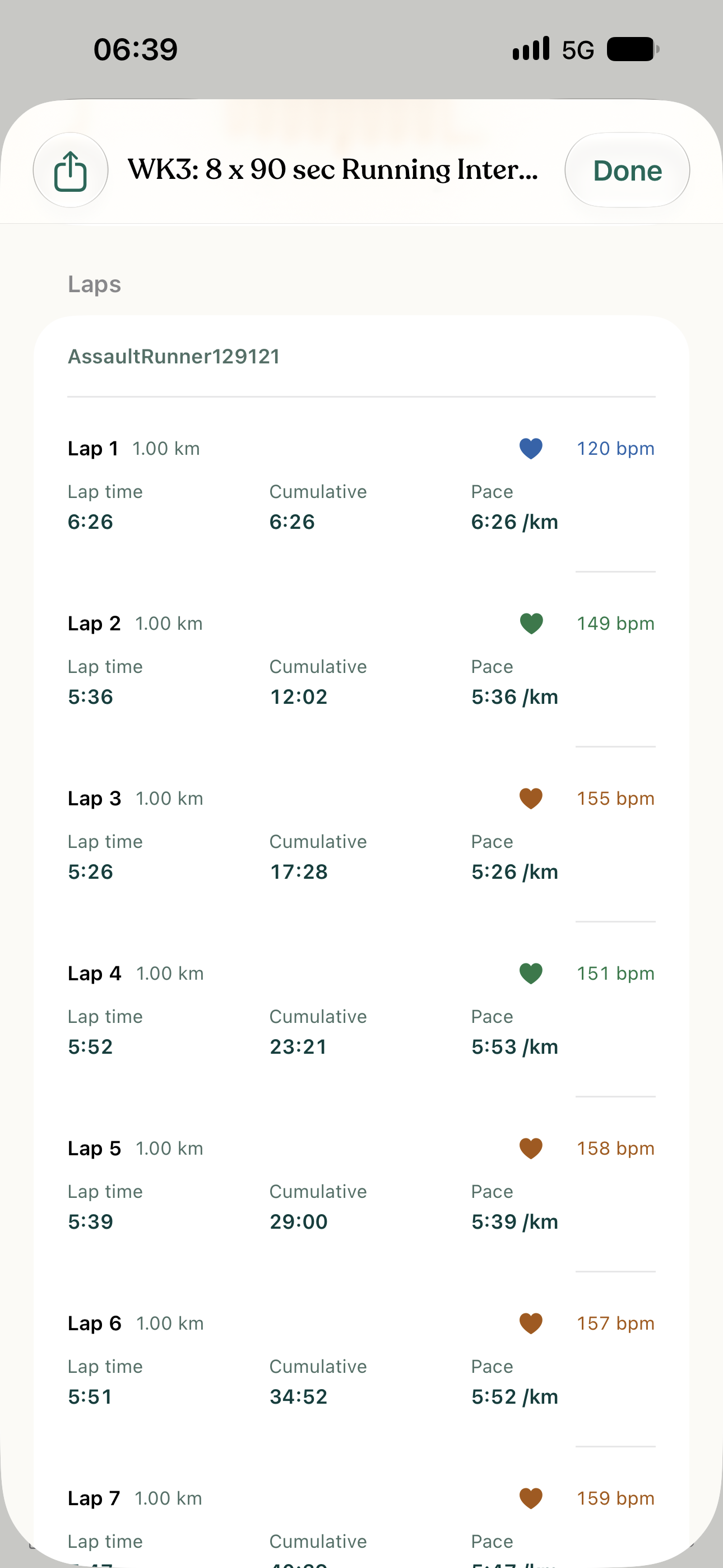
Review time, heart rate, zones and recorded splits. Strength work uses confirmed sets, reps and loads where available. Block summaries help you move between the session overview and its individual efforts and rests.
Compare eligible intervals with the same planned length, activity and heart-rate target. Warm-up, cool-down, rest, recovery and partial efforts are excluded. Missing measurements stay missing.
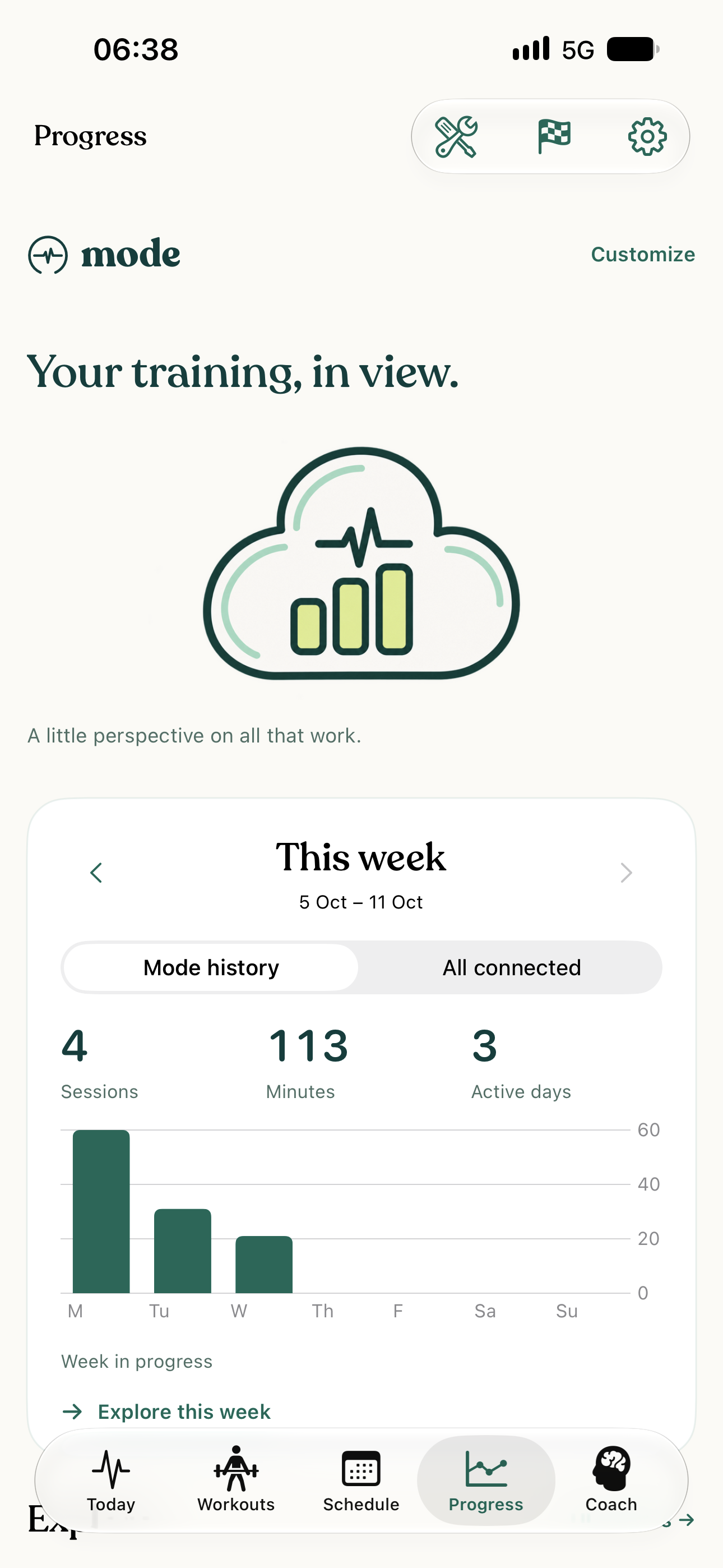
Use Progress, records and tests alongside available sleep, resting heart rate, HRV and recovery information to understand your readiness and recent training. When there is not enough suitable data, Mode says so. Readiness is training guidance, not a medical diagnosis.
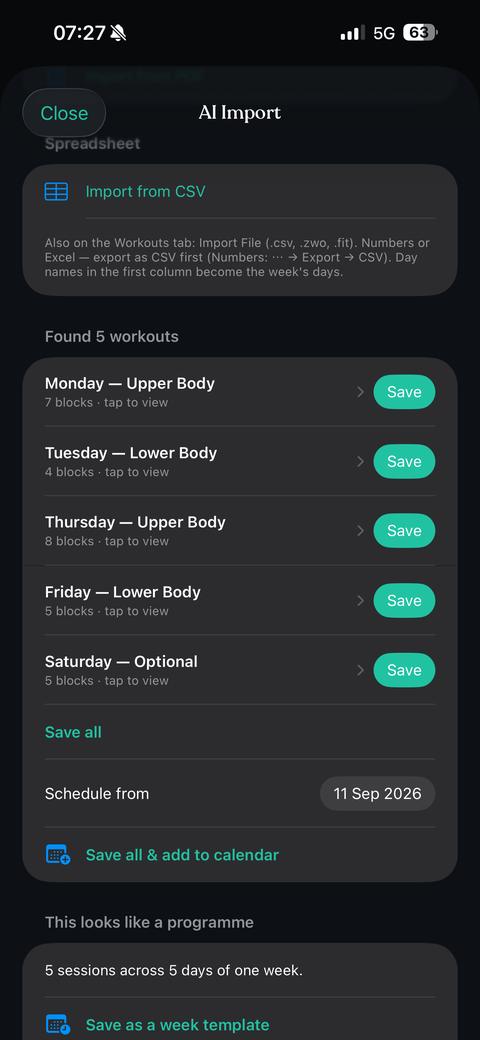
With Pro, turn selected photos, documents or pasted text into workout blocks using optional AI import. Review the result before training. AI imports send selected content for processing only after AI-sharing permission.
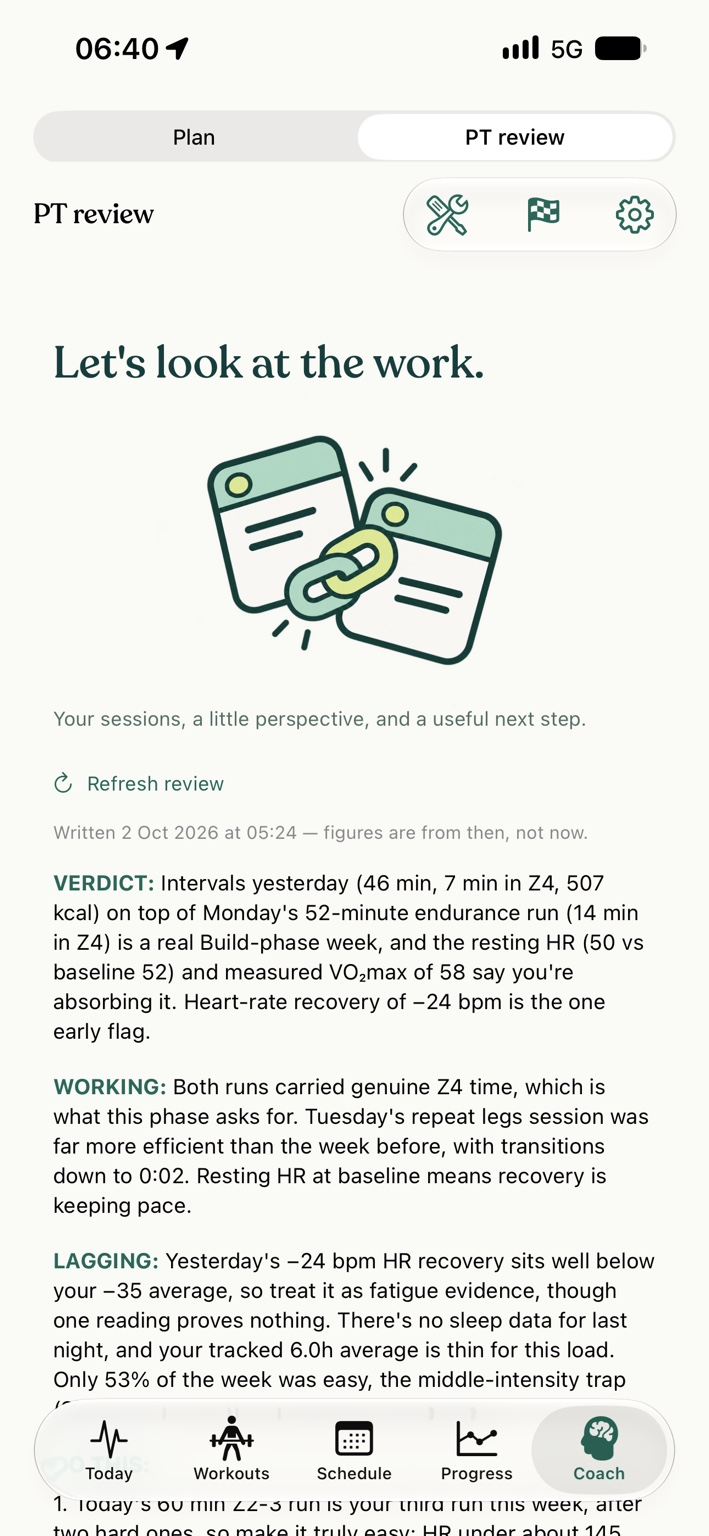
With Pro, use AI Coach to create training plans, read a daily brief and review your training. AI can make mistakes: review its suggestions and adapt them to your circumstances.
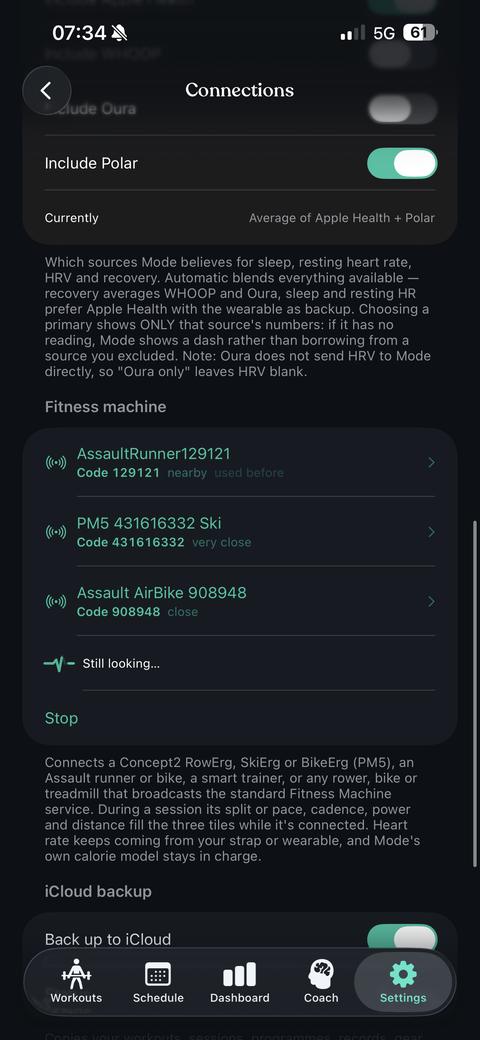
Connect supported Bluetooth heart-rate sensors and compatible gym machines. Available metrics depend on the device, its firmware, supported Bluetooth services and permissions.
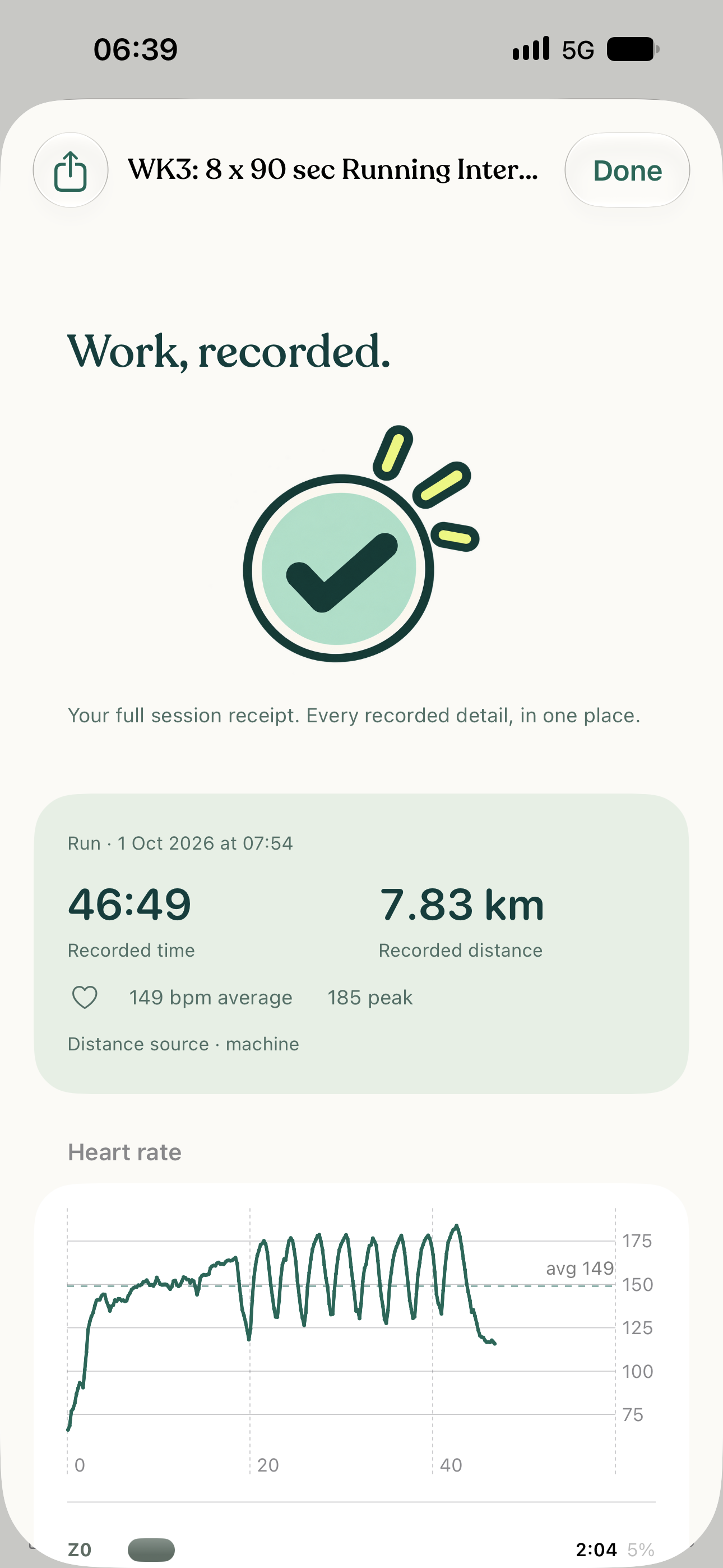
Time, distance and heart rate from the session you actually did. Screenshots show individual recorded workouts, not promised results. Tap any screen to read the details.
 Tap to enlarge
 Track transition times and heart-rate changes between blocks, then review where your session time went.
Tap to enlarge 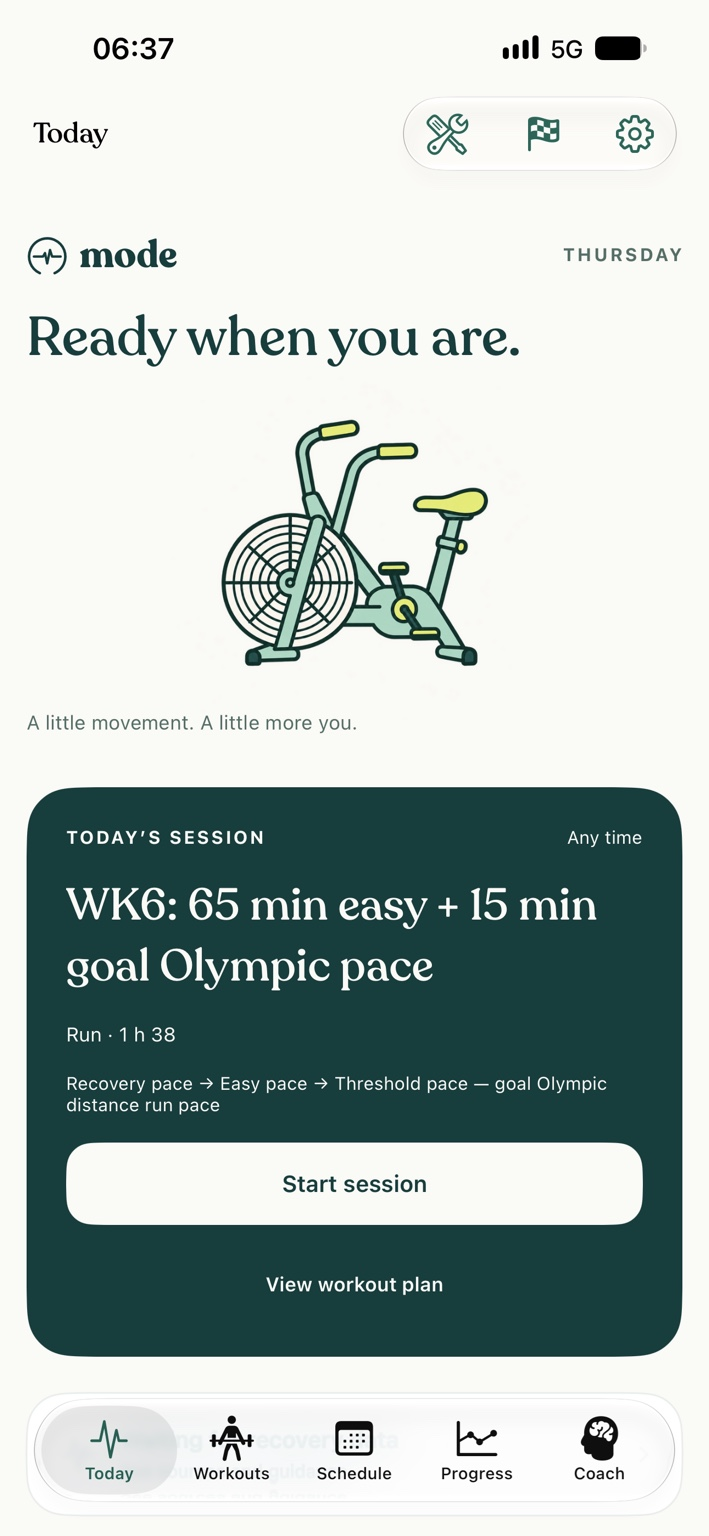 Tap to enlarge
  Tap to enlarge
 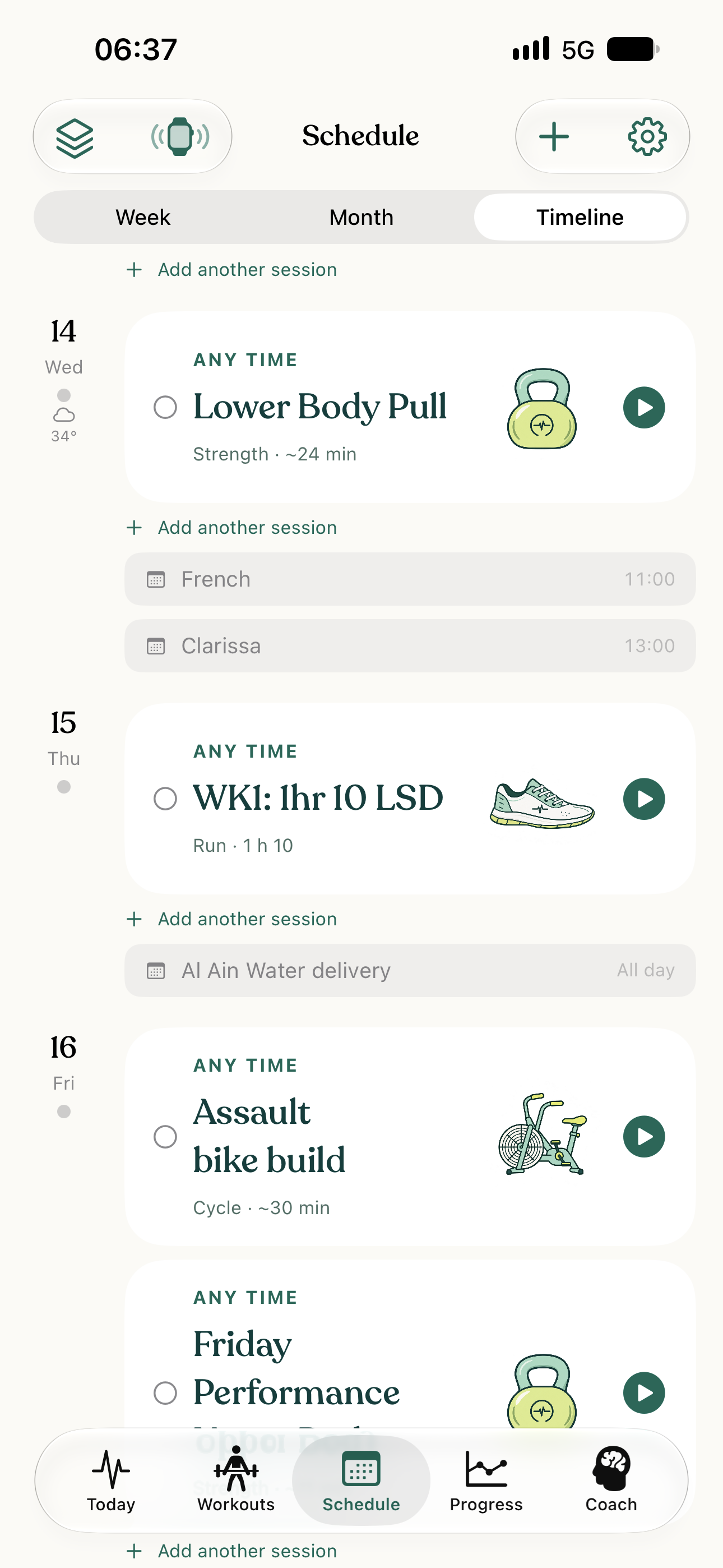 Tap to enlarge
 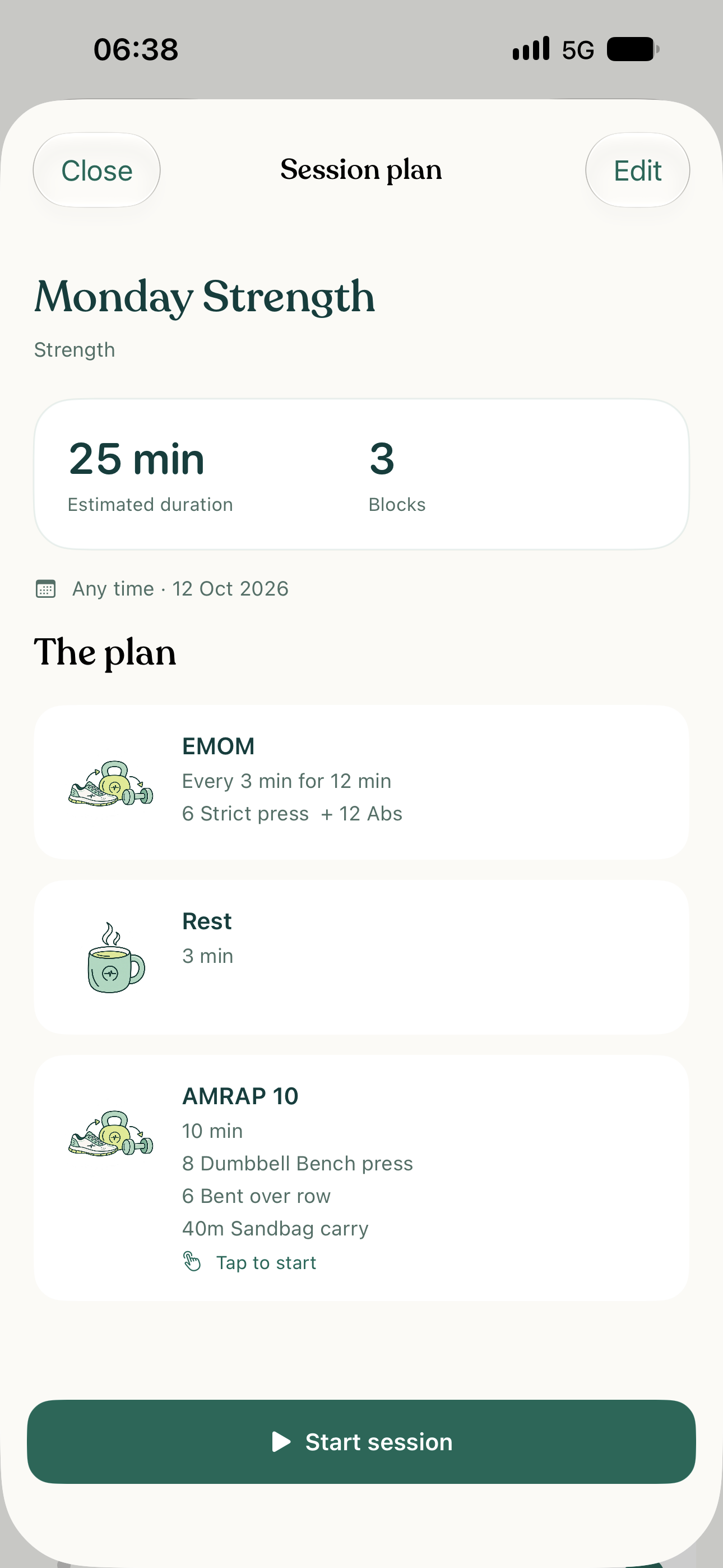 Tap to enlarge
 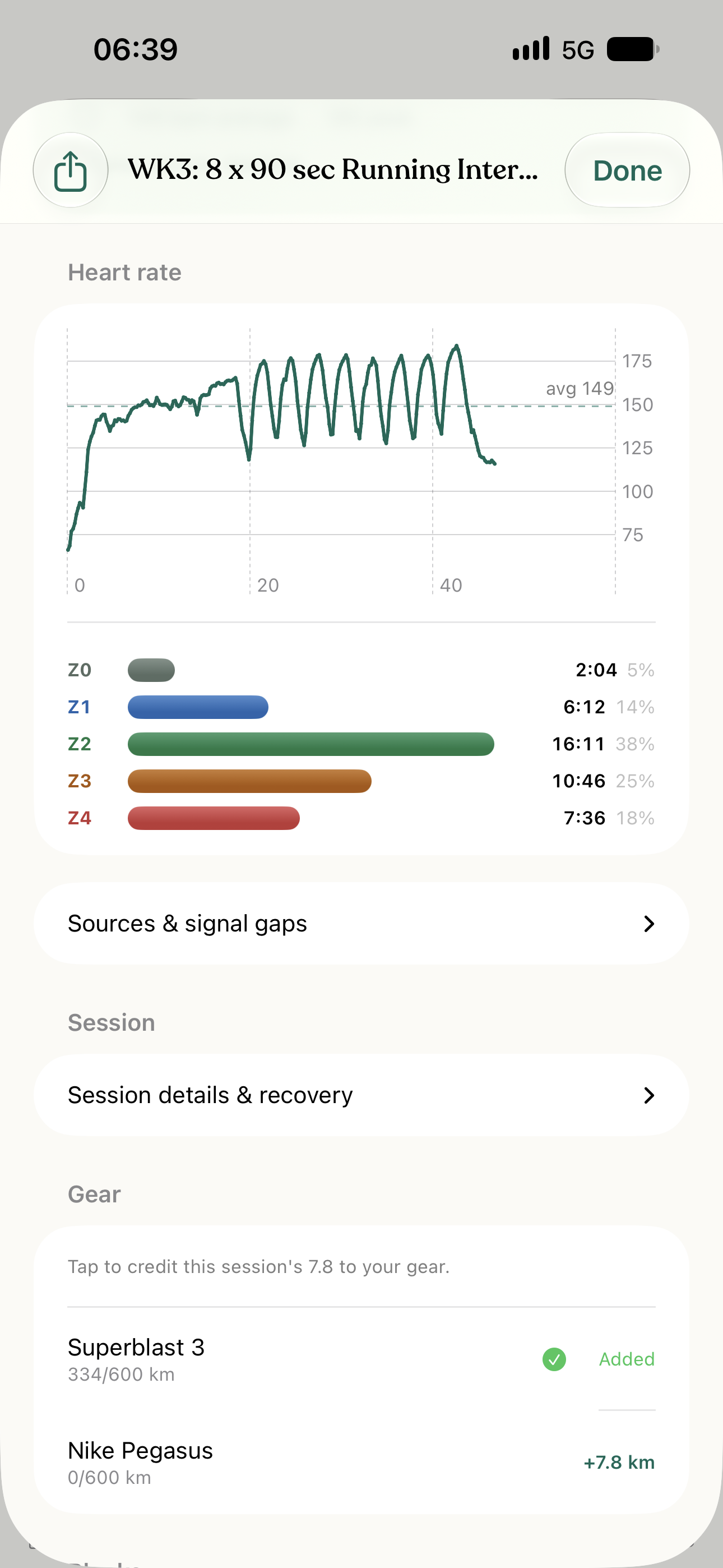 Tap to enlarge
 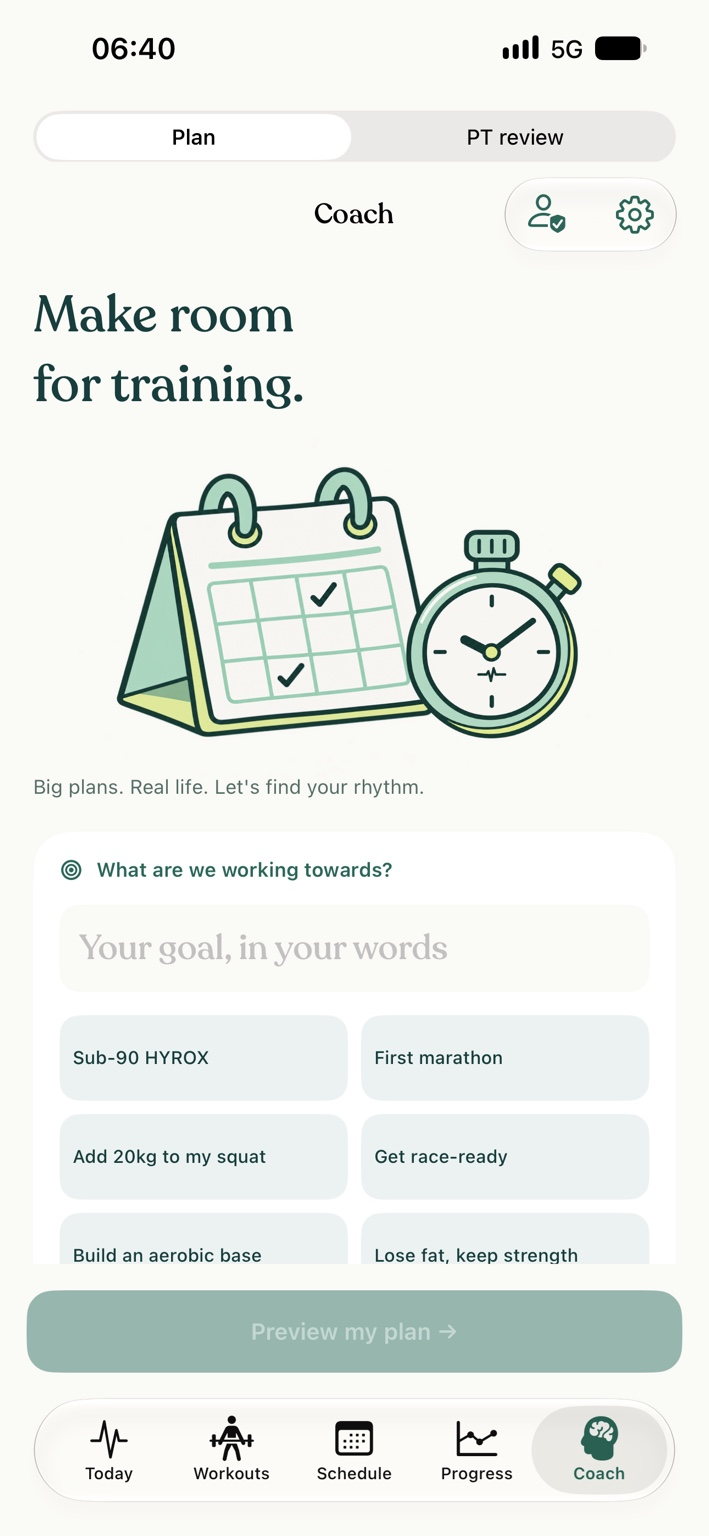 Tap to enlarge
 From the watch on your wrist to the machine on the gym floor. Bring supported training and recovery data into the way you train.





And other compatible sensors and gym equipment.
Apple Health, with optional direct WHOOP, Oura and Polar connections. Choose what you connect and the permissions you share.
Supported Apple Watch recording and compatible Bluetooth heart-rate sensors, including Polar and Wahoo devices.
Supported Concept2, Assault Fitness, Rogue, Technogym and FTMS models. Available metrics depend on the model, firmware and Bluetooth services.
Garmin ConnectComing later
Direct account sync is in development, subject to Garmin approval. Compatible Garmin heart-rate sensors can already connect over Bluetooth; that is separate from account sync.
Connections are optional. Supported data varies by device, provider and permissions. Connection help ↗
Mode Coach · private pilot
A plan gives the week direction. Your coach helps it fit your life.
Training, conversation and shared results. Together in Mode.
Explore Mode Coach ↗
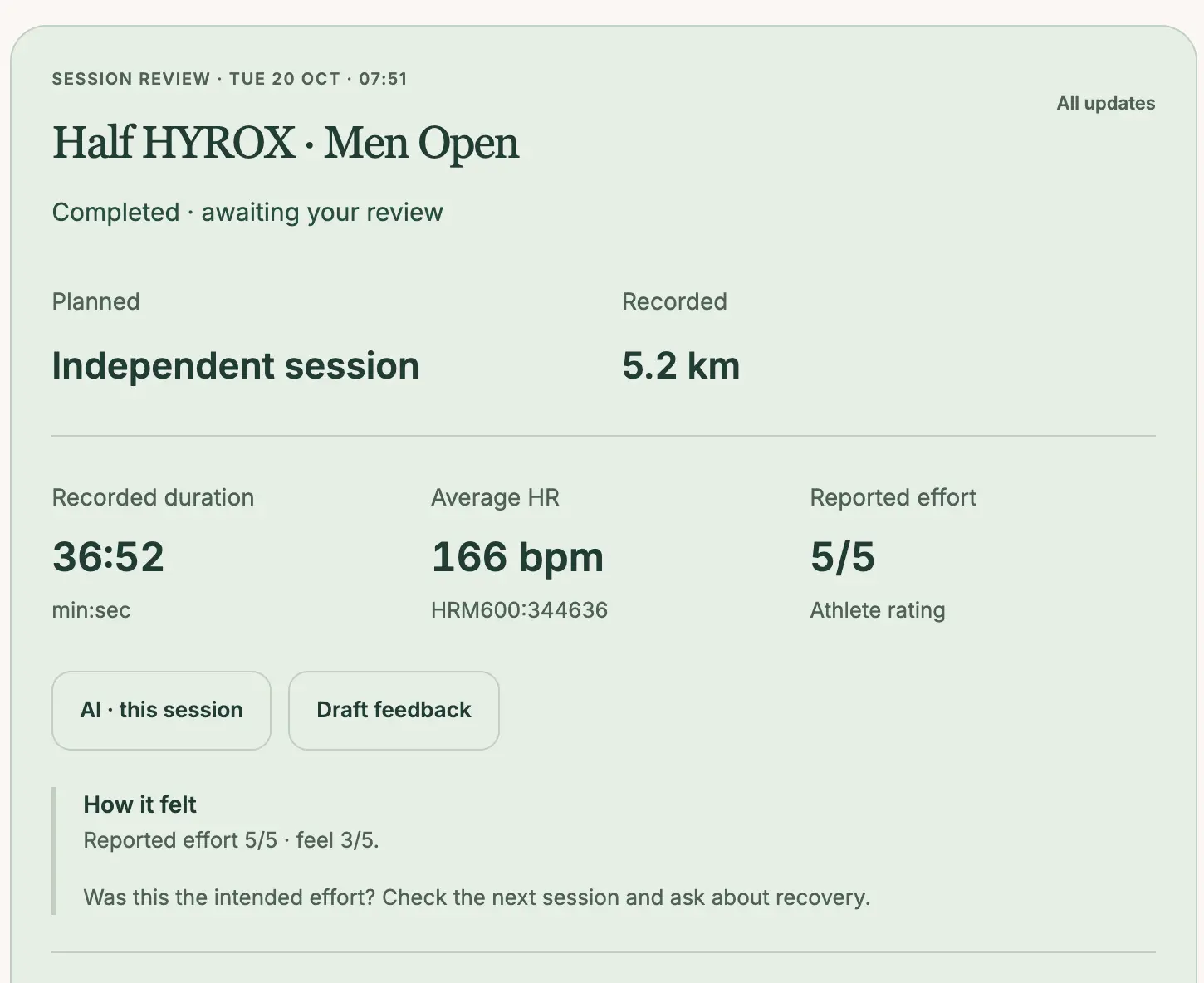
The session is done. The conversation starts here.
The matching coaching pilot connects your coach’s browser workspace with messages, training and appointments in Mode on iPhone. Access is by invitation and requires the matching signed app build.
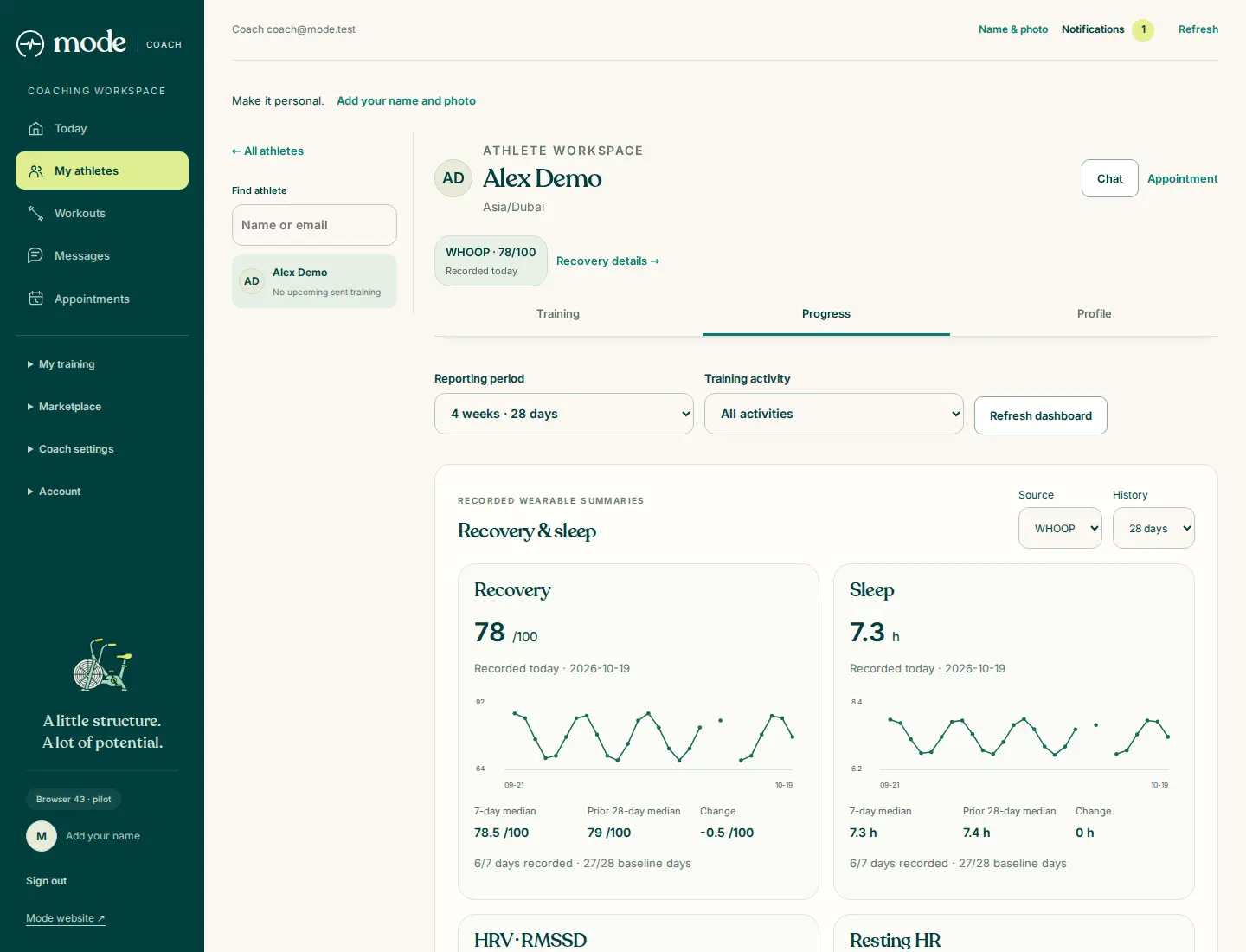
The person between sessions
Available recovery and sleep summaries sit alongside the training your athlete chooses to share. Each reading keeps its source and date, so your next decision has context.

The workout comes first. Pro adds optional AI and more ways to understand your training.
Pay once for Mode Pro in the current Apple app. No monthly or annual Mode Pro subscription. The US App Store price is US$59.99. Apple shows the price in your local currency before purchase. Restore eligible purchases using the same Apple account.
AI features require an internet connection, your separate AI-sharing permission and applicable service limits. The current app allows 30 successful AI imports and 30 random-workout generations per calendar month, and up to two active AI Coach programmes. Human coaching is separate from AI features and Mode Pro. The connected coaching pilot is invitation-only and requires the matching signed app build. A Mode Pro purchase does not include human coaching or pilot access.
Android · coming soon
Mode for iPhone and Apple Watch is available now. Android is coming soon.
Connected coaching is a separate invitation-only pilot. Linked phone features require the matching signed coaching build; availability in the public App Store version is separate. Your invitation provides the installation and linking steps.
Two kinds of support
AI Coach is Mode’s automated training support. Mode Coach is your human coaching relationship, with your coach working in the browser and you using the linked Mode app.
Human coaching is separate from Mode Pro. Recovery and training information are shared according to the athlete’s choices.

Download Mode for iPhone and Apple Watch. Build the workout, follow the effort and keep the record.